We and our 18 partners store and/or access information on a device, such as unique IDs in cookies to process personal data. You may accept or manage your choices by selecting accept or reject all, or at any time in the privacy policy page. These choices will be signalled to our partners and will not affect browsing data. Your choices will change how we tailor your shopping experience on our website.
To modify your consent choices, you can do so by clicking on Cookie settings in the footer.
We and our partners process data to
Use precise geolocation data. Actively scan device characteristics for identification. Store and/or access information on a device. Personalised advertising and content, advertising and content measurement, audience research and services development.
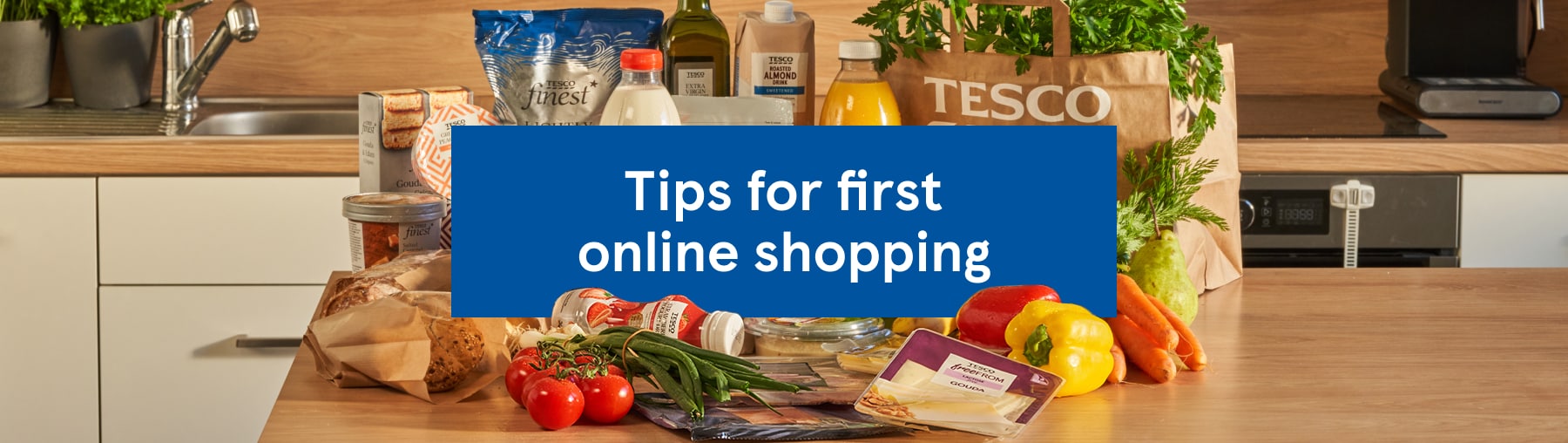
Shop groceries and more online and choose a delivery time that suits you. With Tesco Online Shopping, you can complete your entire shop comfortably from home. On this page, you’ll find a clear step-by-step guide on how online shopping works.
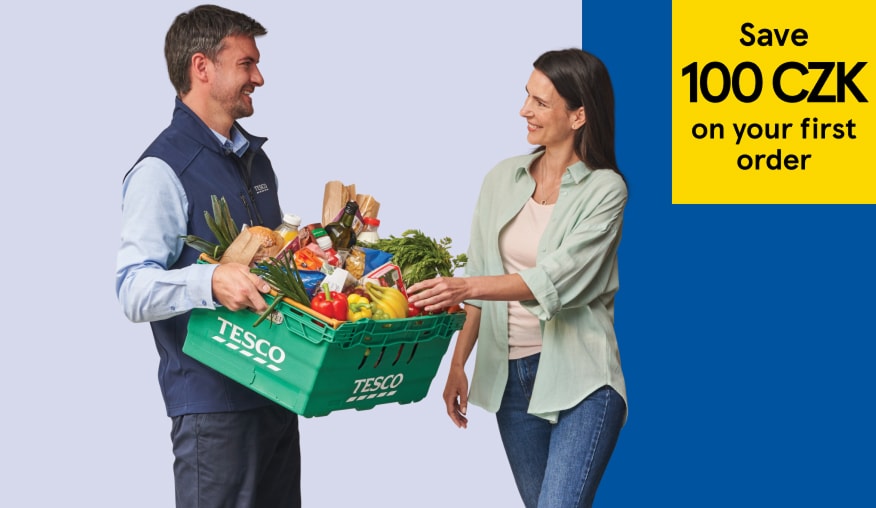
Save 100 CZK on your first purchase with discount coupon CZB62.
Offer valid only in selected delivery areas. The e-coupon can only be used when the purchase is delivered no later than 31.08.2026. The e-coupon allows the customer to use a one-time discount 100 CZK for the first online purchase above 1 000 CZK. The e-coupon does not apply to the purchase of tobacco products, infant formula, medicines and delivery fees. The offer is valid only in the Czech Republic. The e-coupon cannot be combined with other discounts or other coupons. The e-coupon cannot be exchanged for money.
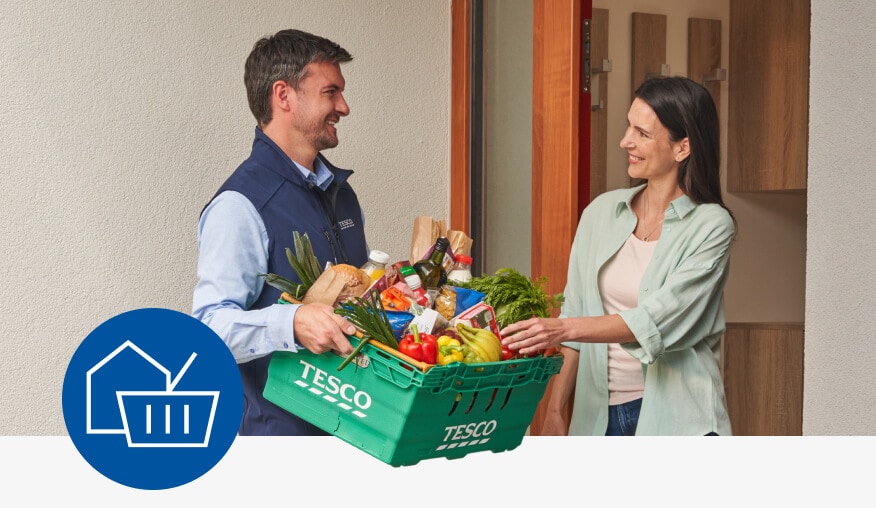
Tesco Online Shopping lets you choose from a wide range of groceries and other products, enjoy great prices, and schedule convenient home delivery straight to your door.
Step 1: Register or sign in with your existing Clubcard account
To shop for groceries online, register or sign in to your account. Once logged in, you can continue by selecting your delivery option and choosing your products.
You make a purchase online, we will prepare it for you and you will come to pick it up on the way home. We will load the entire purchase into your trunk, so you don't even have to get out of the car.
Step 3: Add products to your basket and shop online
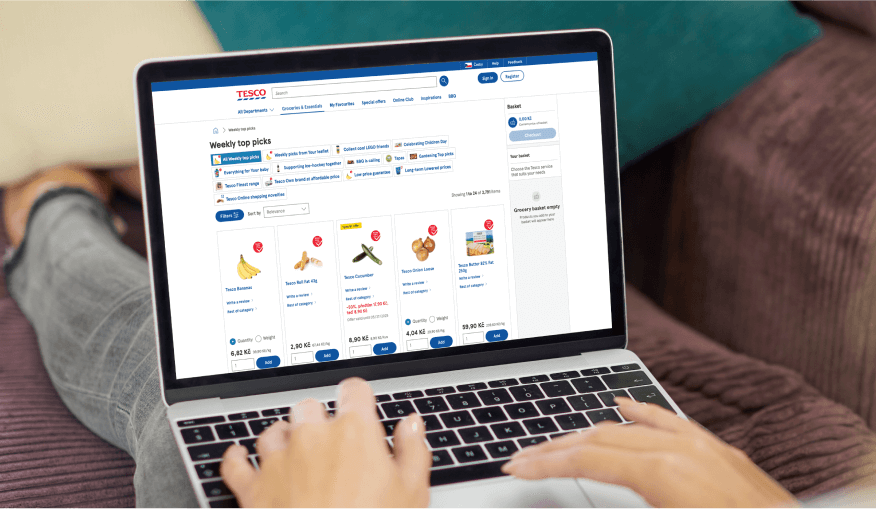
Browse a wide range of groceries and other products by category in the left-hand menu, or search for specific items by name. Add everything to your basket and adjust quantities at any time as needed.
Shop comfortable online
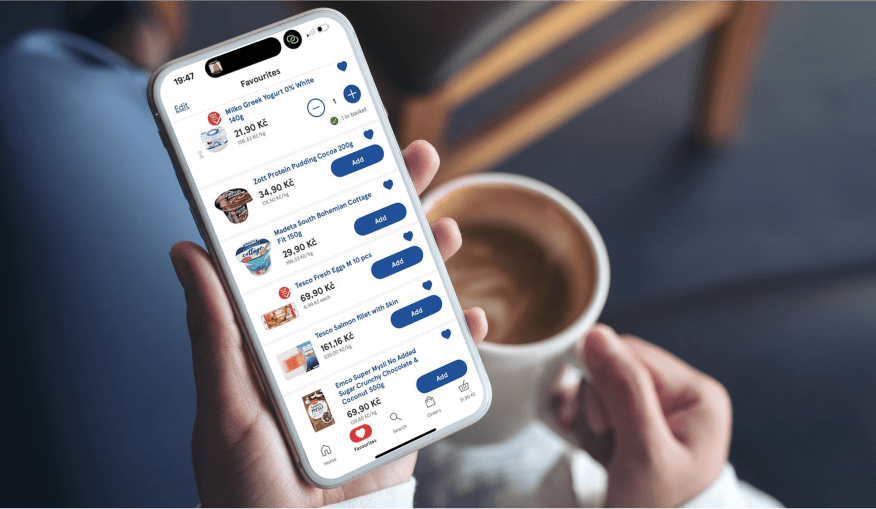
Add items to your basket using the buttons below each product.
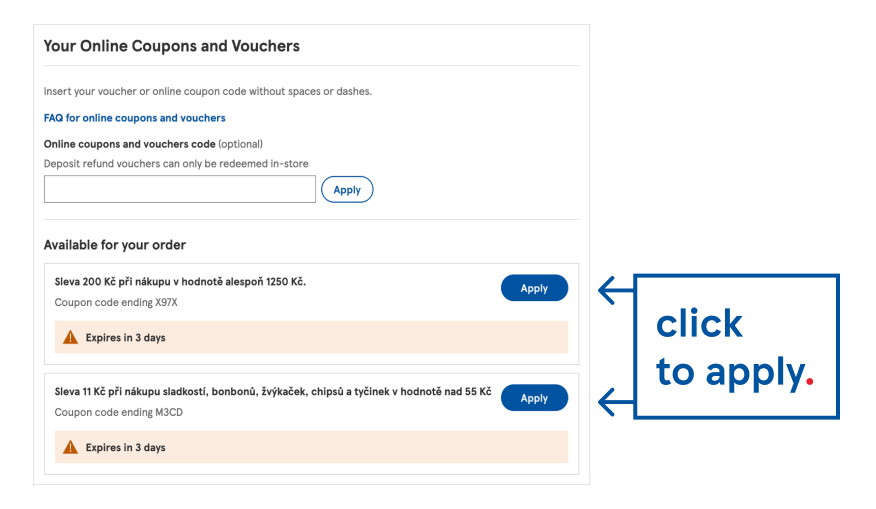
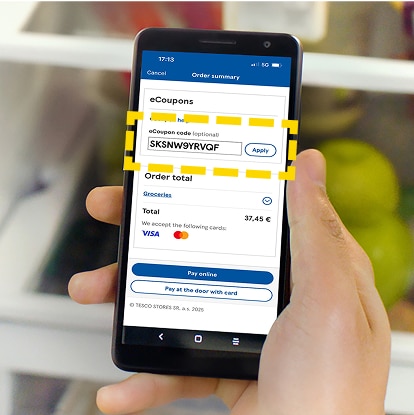
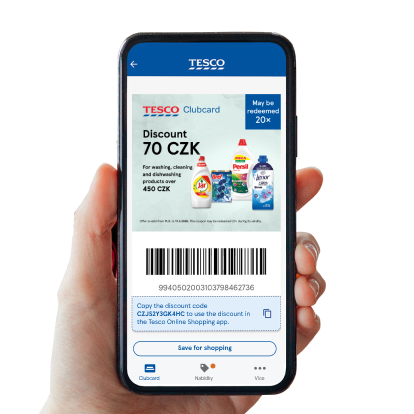
Check your basket, apply available Clubcard coupons and vouchers, and confirm your order. Your online grocery shop will then be prepared for delivery at the time you’ve chosen.
how to shop CC coupons online?
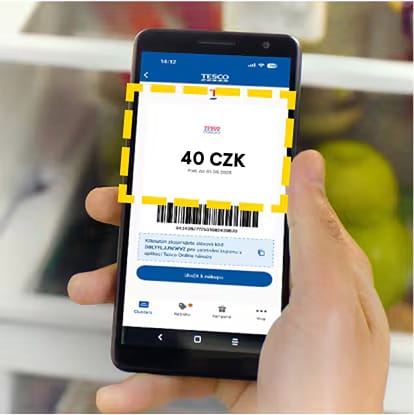
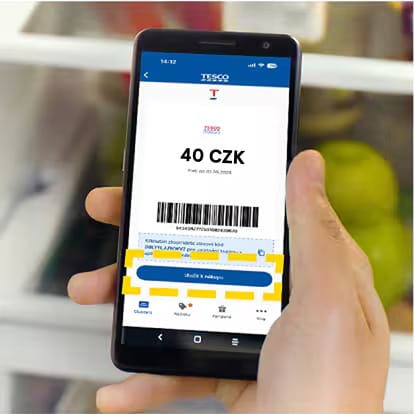
Redeem coupons in your wallet
Enjoy targeted coupons linked to your account (online only deals).
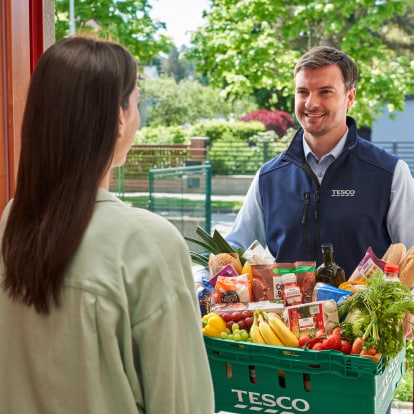
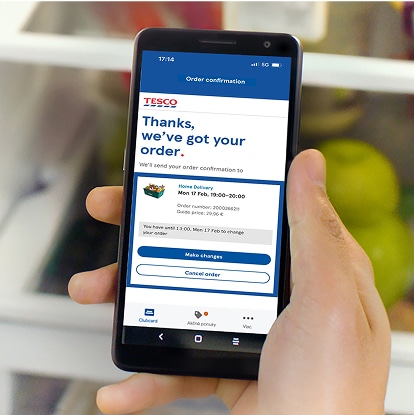
Confirm the order and have your order delivered or pick it up yourself.
Practical Features in Tesco Online Shopping
During online grocery shopping at Tesco, you can set several options that affect both product selection and delivery preferences. These features help ensure your online shop is tailored exactly to your needs.
Substitution options – choose a replacement if a product is unavailable
If an item is unavailable, we’ll choose a suitable substitute. You can accept or decline it at delivery with no charge if declined.
Same-day delivery of your online shopping to your door step
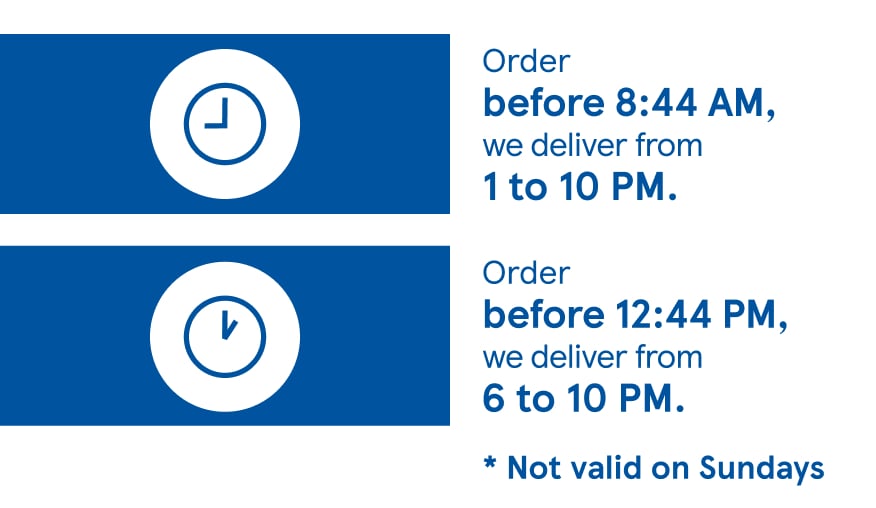
Order by 8:44 AM and your shopping will be delivered between 1:00 PM and 10:00 PM. Orders by 12:44 PM will be delivered between 6:00 PM and 10:00 PM.
What to do if something is wrong with your delivered order?
When receiving your order, you may notice an issue – such as damaged packaging or overripe fruit. Do not accept these products, return them to the driver, and they will not be charged.
How can you edit your online order at Tesco?
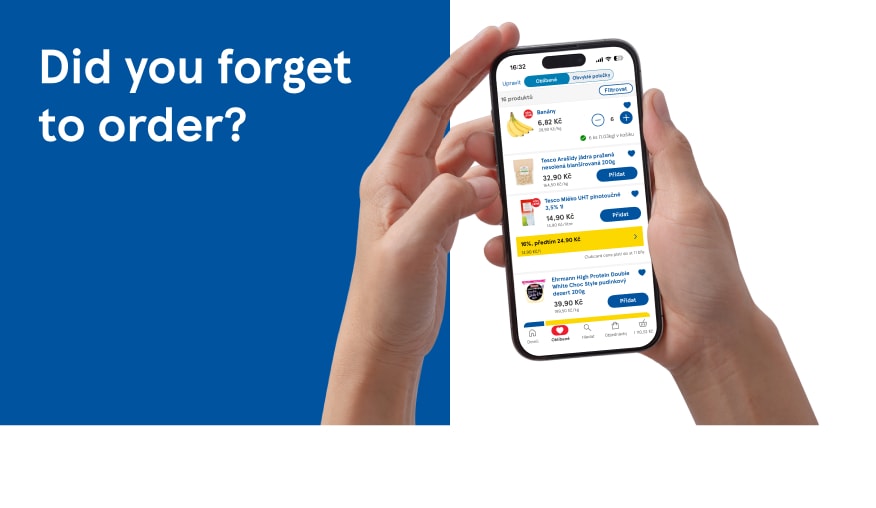
Forgot to add milk or another item to your basket? You can edit your online order until 11:46 PM on the day before delivery or collection.
Bag-free shopping for less waste and more flexibility
When shopping online, you can choose the “No shopping bags” option. This helps reduce waste and saves you the fee for paper bags.
SMS notifications from our delivery partner DODO
Once your order is loaded, you’ll receive an SMS with a tracking link from our delivery partner DODO, allowing you to track your online shopping in real time.
New features in Tesco Online Shopping
Tesco Online Shopping's new features make ordering easier and let you tailor delivery and product selection to your needs and preferences.
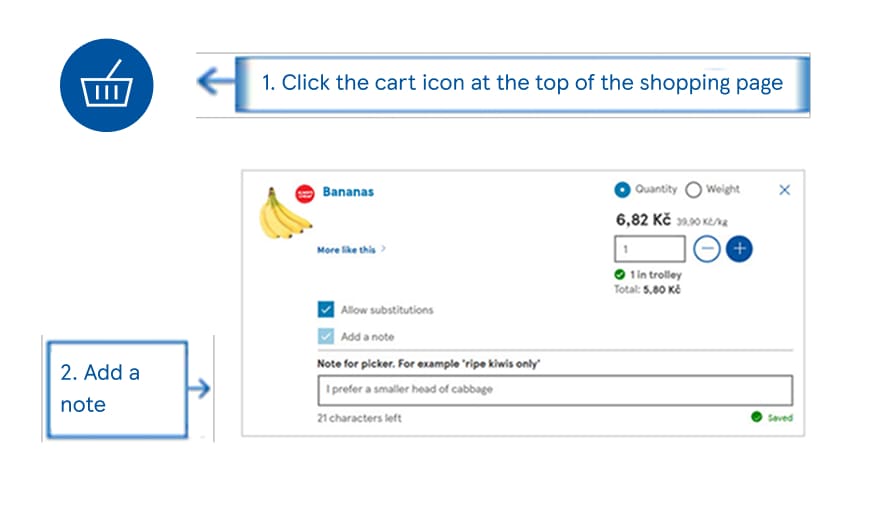
Product notes – add your preferences
You can add notes to products, such as your preferred type, level of ripeness or a substitute in case of unavailability, helping us better meet your requirements.
Multi-address delivery for convenient online shopping
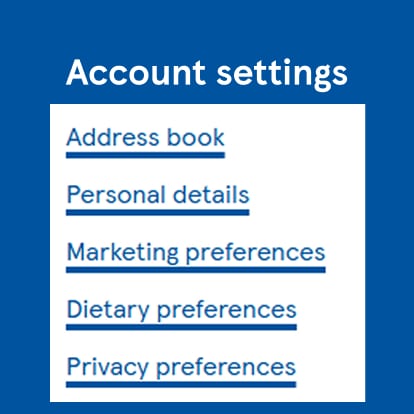
Save multiple delivery addresses and easily choose the one you want your shopping delivered to when placing an order.
How to shop online at Tesco: order groceries to your door quickly and easily.
Tesco Online Groceries lets you conveniently shop for groceries and other products online with delivery straight to your door or choose Click+Collect, now available even on the same day. Check where we deliver and get started by registering for online shopping. Once logged in, you can easily search for groceries, browse categories and add products to your basket. When shopping online, take advantage of Clubcard, grocery discounts and coupons to save on every order. You can update your order, add product notes or add multi-address. Choose home delivery or Click+Collect, whichever suits you best. Tesco Online Shopping is a convenient way to shop quickly and without waiting.